Docs
For Self-Assessment
Important: This process is initiated by the recruiter, who sends you a unique interview link.
Step-by-step process
- Step 1: Open the link Open the unique link you received from the recruiter.
- Step 2: Enter your details
On the page that opens, fill in the form: full name, email address, where the results will be sent, and phone number. Review the consent options and tick the boxes to agree to personal data processing and AI-based answer analysis. Click Next.
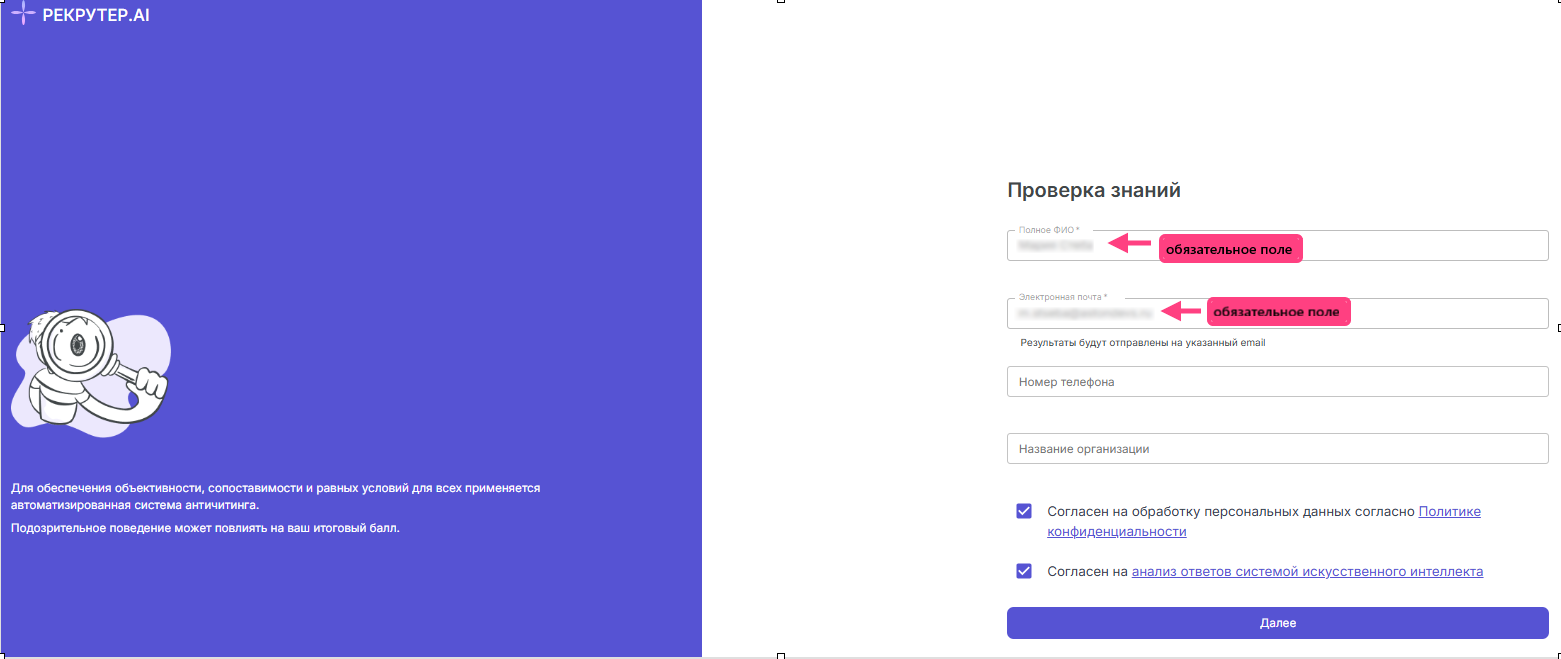
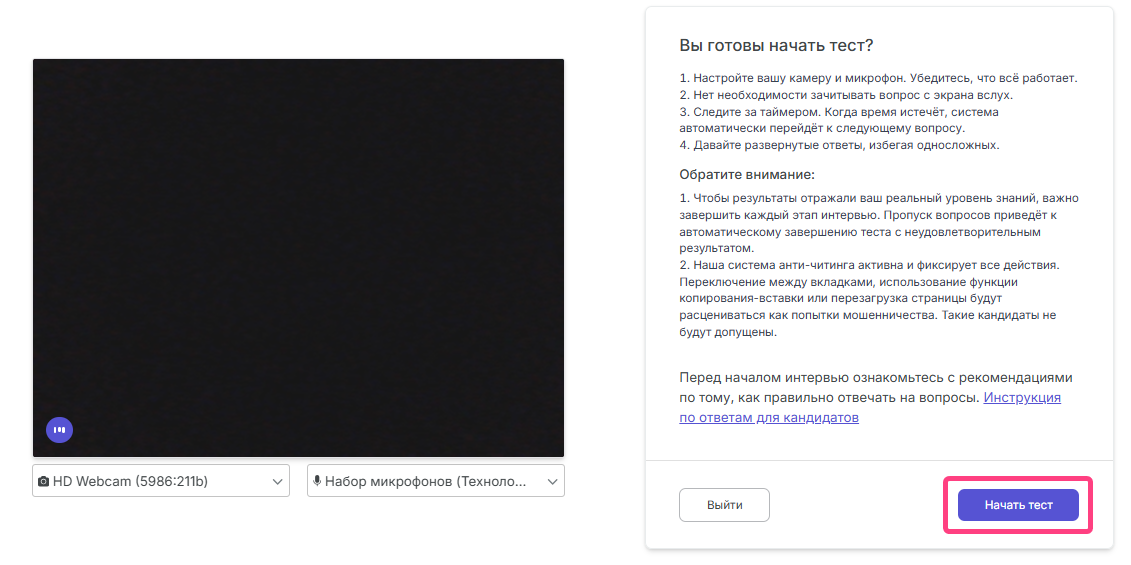
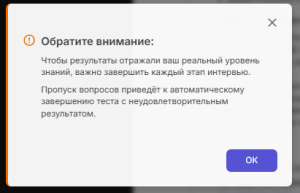
- Step 3: Check the audio An audio check window will appear. Click Start recording and clearly say the phrase shown on the screen. Make sure the recording was successful.
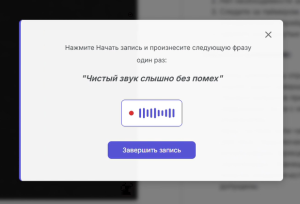
- Step 4: Complete the test
The interface will show questions for the selected specialization, a progress indicator, for example Question: 1/10, and an answer timer. The answer format is spoken detailed responses to each question. To move to the next question, click Next question. On the last question, the button will change to Finish test.
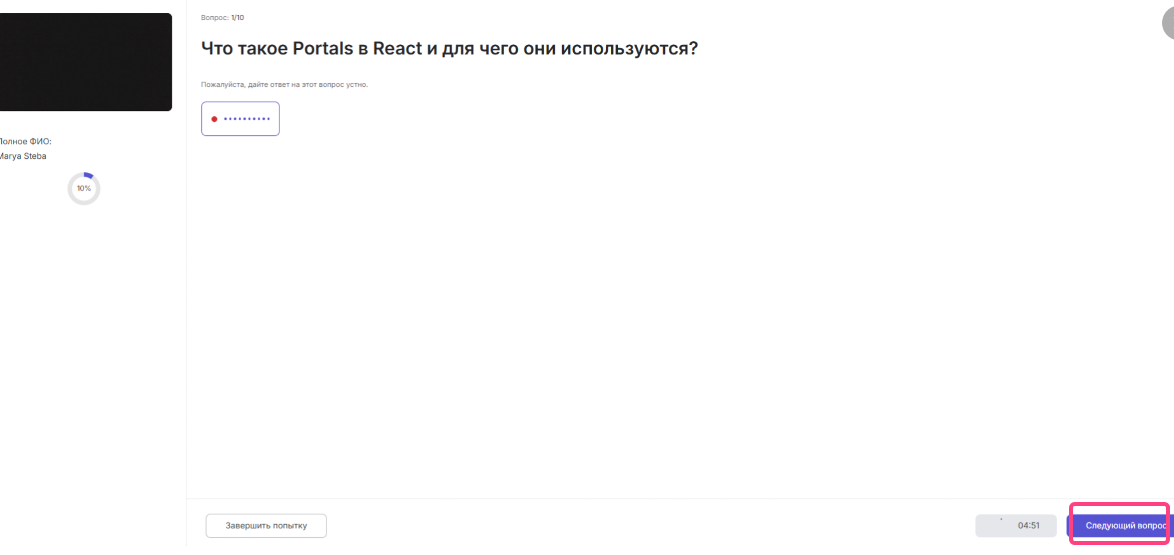
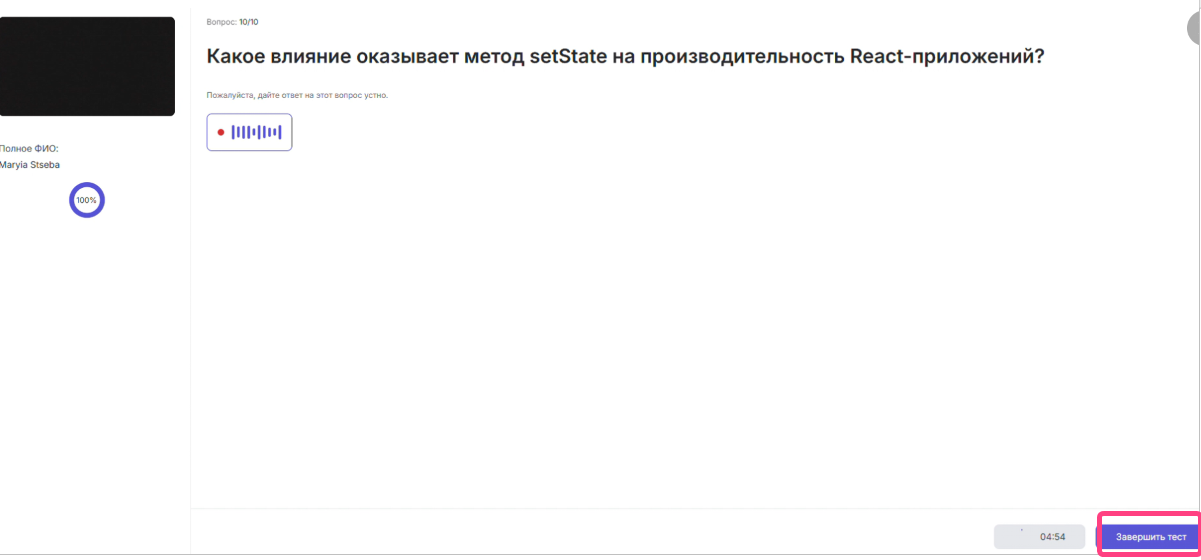
- Step 5: Finish and receive results After you click Finish test, a message will appear: “Thank you for your participation. We are already preparing your report...”. The report is automatically sent to the specified email and includes a preliminary grade estimate, Junior, Middle, or Senior, a table with questions and answers, a transcript, and a video recording of the interview. The results also become available to the recruiter in the Overview section.